Player career · from the Academy
Bring your Academy player into a free football career game
Played Trophora Academy when you were younger? Your Academy player can move up to the big game. A grown-up makes a graduation file or code in the Academy, you load it in Trophora, and your player starts a player career at 13. Same look, same position, same skills (capped), and their Academy record comes too.
- Starts at age 13
- File or paste a code
- Only the made-up player moves
- Free, no account needed
How to start
- Open play.trophora.com.
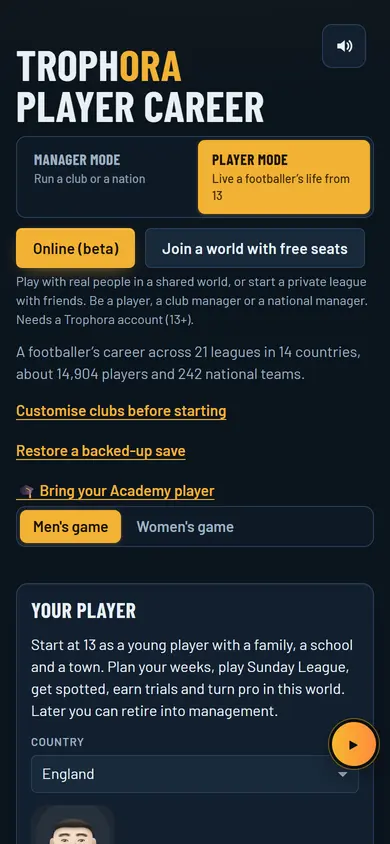
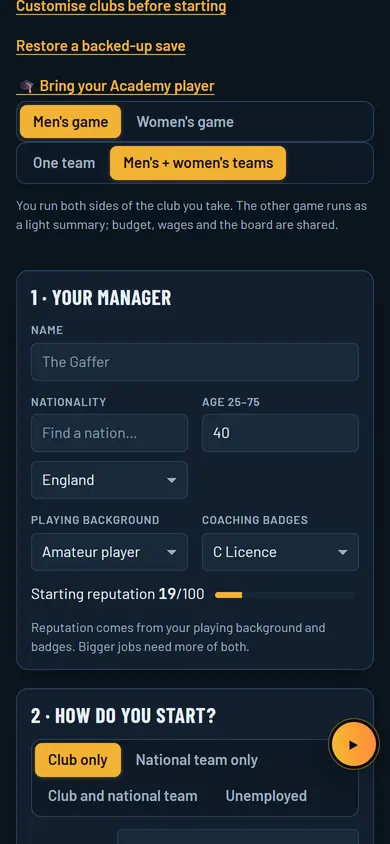
- On the start screen tap 🎓 Bring your Academy player (it is also on the Choose your own club, name and mode screen).
- Choose the Graduation file, or paste the code into …or paste the code.
- Tap Check graduate and look over your player.
- Tap Start my story to kick off your career at 13.
What you control
- Your player’s weeks: school, family, town and football.
- Sunday League games, getting spotted, trials and turning pro.
- How you train and grow from the skills you brought across.
- Big moments and choices along the way.
- Later on, retiring into management if you want.
A typical week
Your career runs week by week. Plan the week, play your matches, and see who has noticed you. Good form brings scouts and trials; trials can lead to an academy place and a pro contract.
How you win and progress
- Skills carry over, but capped, so the climb is still yours.
- Your Academy club history and honours show on your player.
- Get scouted, win trials, earn an academy spot, then turn pro.
- If your Academy graduate chose a staff job there, the story still starts as a player, and the record goes with you.
Tips
- Copy the whole code: it is long, so check the start and the end before you paste.
- If the file is refused, don’t edit it. Ask the grown-up who made it to make a fresh one in the Academy’s grown-ups area.
- Check the player on the confirm screen before you tap Start my story: position and skills come from the Academy.


Questions and answers
Who makes the graduation code?
A parent or carer makes the graduation file or code in the Academy’s grown-ups area. You then load it in Trophora, which is for ages 13 and over.
What comes across from the Academy?
Only the made-up player: a name from the Academy’s name picker, the drawn look, position, skills and the Academy record. Nothing personal is in the file and nothing is sent anywhere.
Why was my file refused?
The game checks every file. If it was changed or damaged, even by one letter, it is refused. Ask for a fresh one from the Academy.
Other ways to play
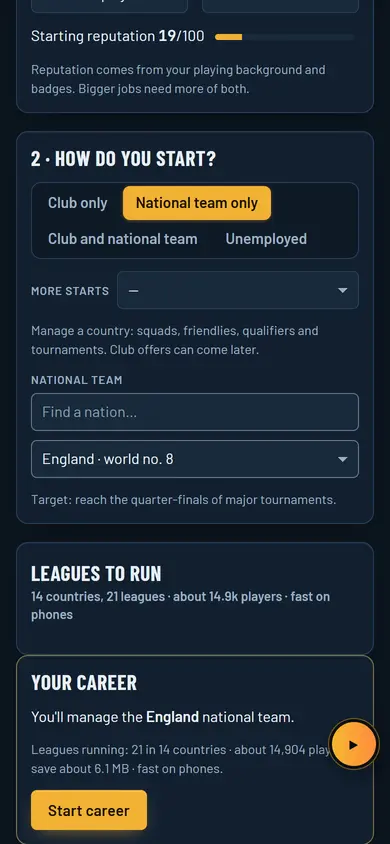
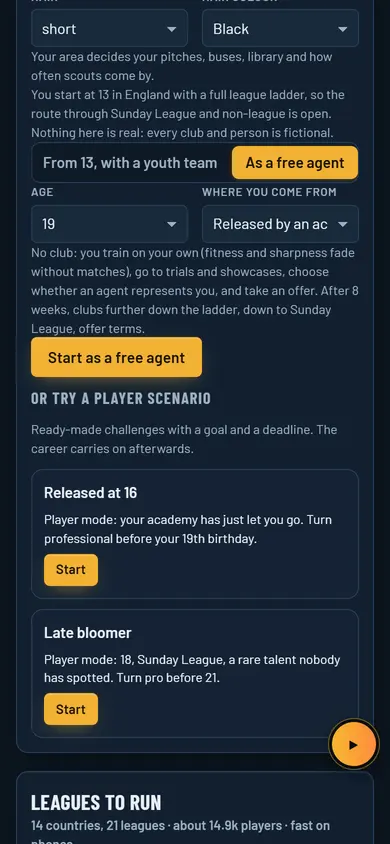
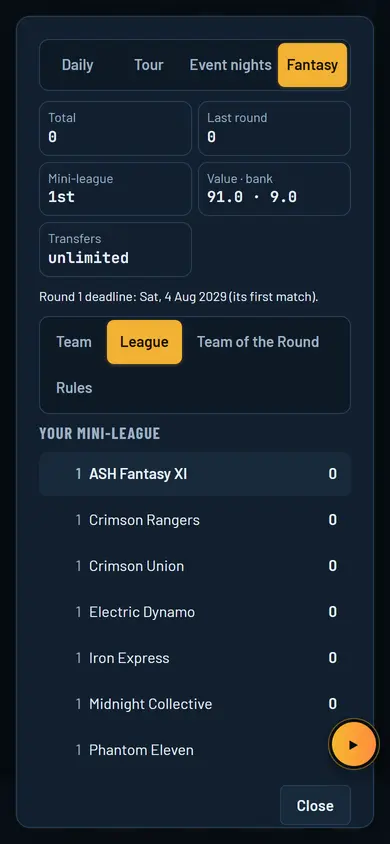
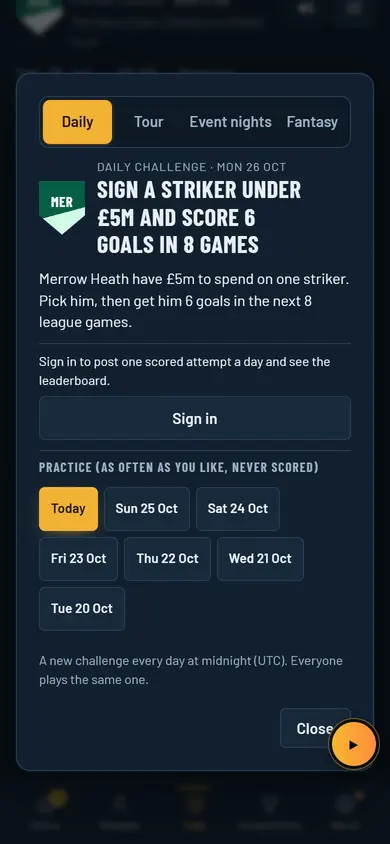
Manager careerPick a club, set the tactics, work the transfer market and keep the board on side. National teamPick a country, call up the squad and chase a major tournament. Add a club if you want both. Road to ProStart at 13, plan your weeks, impress the scouts and fight your way to a pro contract. Free agent or unemployedNo club, no job. Go to trials as a free agent, or apply and interview for manager jobs. OnlineShared worlds, private leagues with mates, a ranked Divisions ladder and live friendlies. FantasyPick 15 from your own league, captain one, and score as your season plays out. Daily challengesOne new scenario a day for everyone, a five-stage tour each week, and live nights online. Both teamsRun your club's men's and women's teams at once, with one budget and one board.